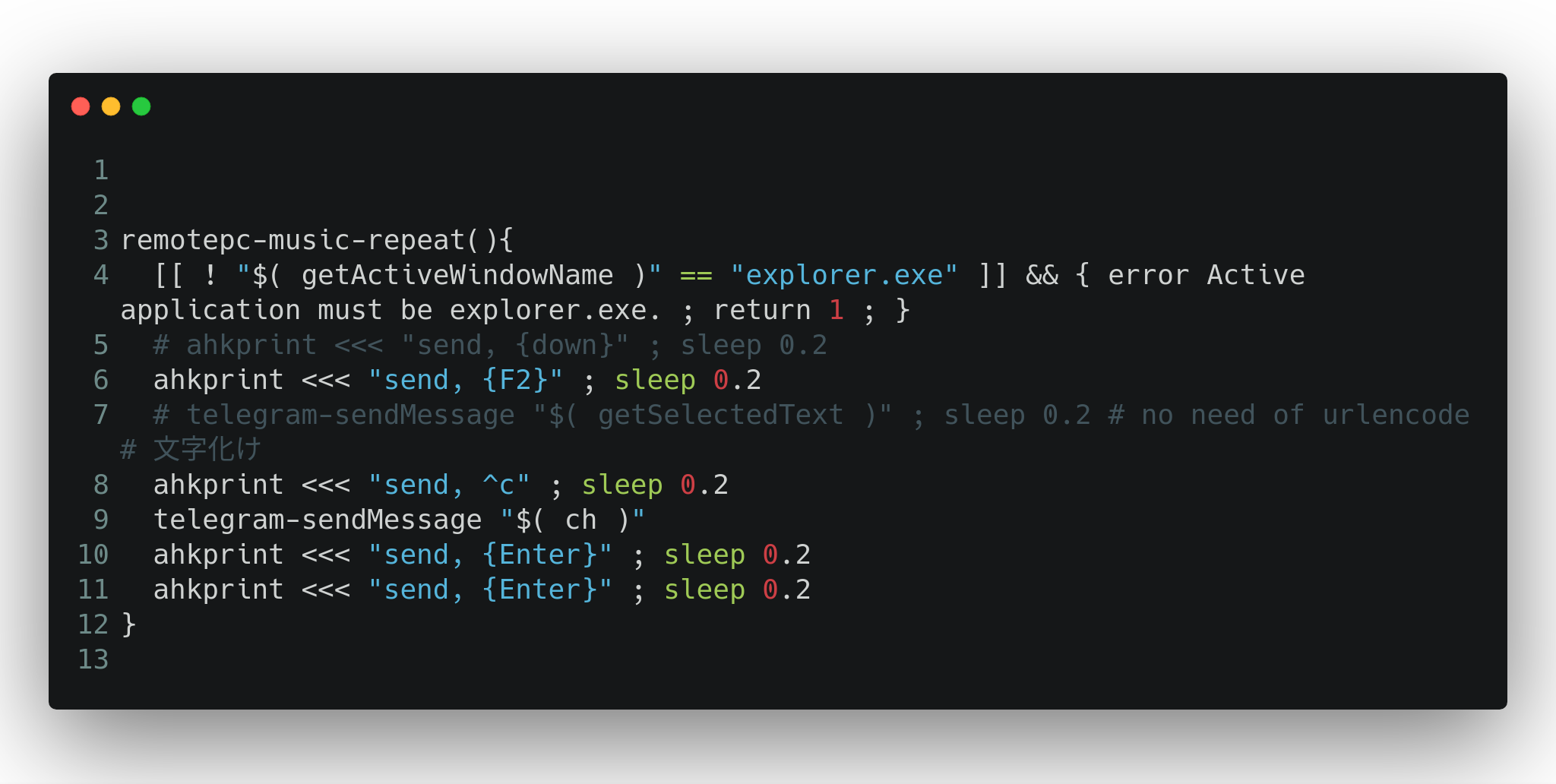
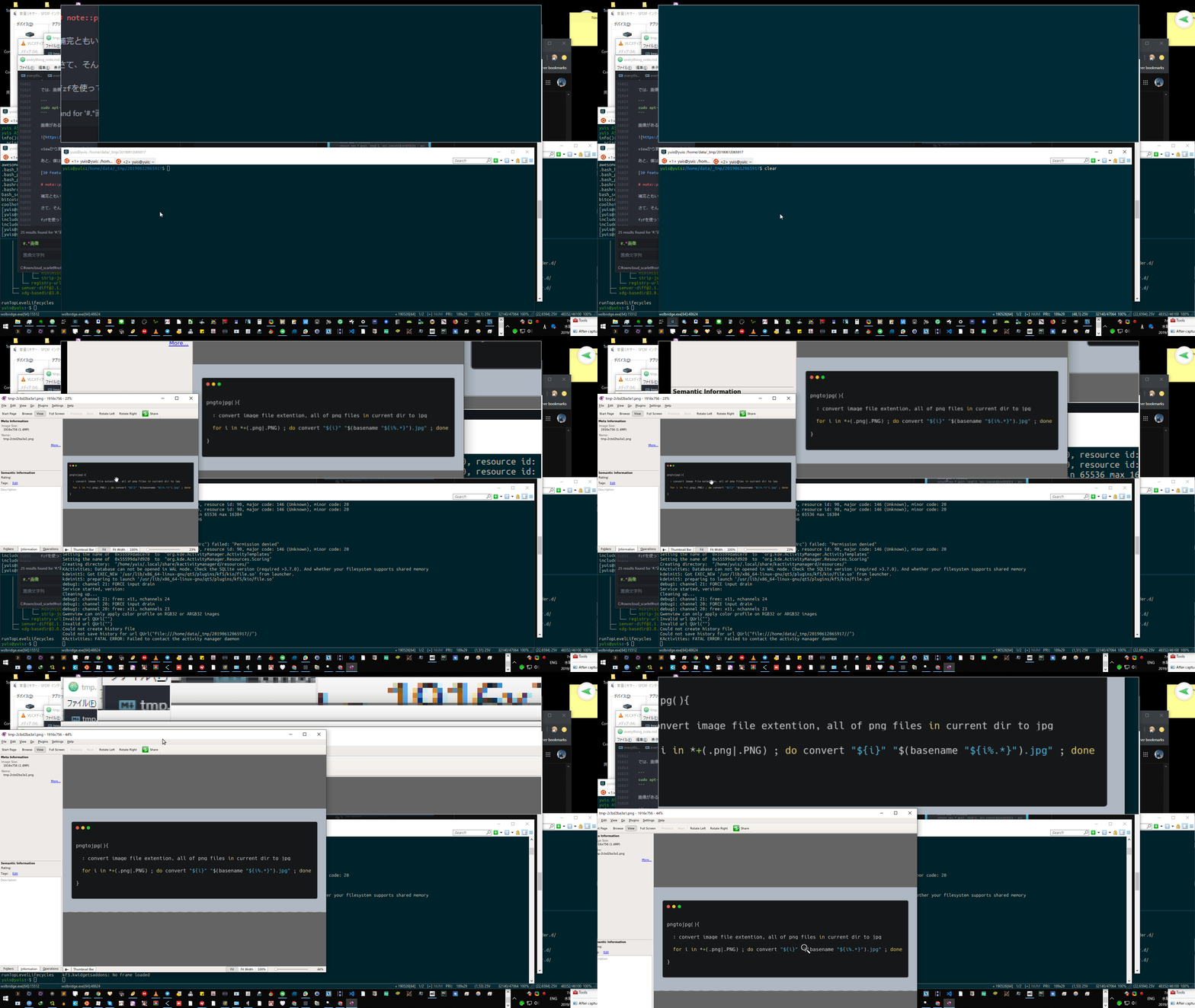
Dieser Artikel stellt vor, wie man cool aussehende Snippet-Bilder von Skriptcode mit carbon-now-cli generiert, einem Befehlszeilentool, das auf der Linux Bash-Sprachbefehlszeile oder Windows-Befehlszeile funktioniert.
# installation
npm i -g carbon-now-cli
mixn/carbon-now-cli: 🎨 Beautiful images of your code — from right inside your terminal.
Auf WSL kann es aufgrund des bekannten Fehlers mit Puppeteers Headless-Chrome-Browser nicht installiert werden.
Puppeteer doesn’t run under WSL (Windows subsystem for Linux) · Issue #1837 · GoogleChrome/puppeteer Running on WSL · Issue #3783 · GoogleChrome/puppeteer
Verwendungsbeispiel
$ cat tmp02.sh

remotepc-music-repeat(){
  [[ ! "$( getActiveWindowName )" == "explorer.exe" ]] && { error Active application must be explorer.exe. ; return 1 ; }
  # ahkprint <<< "send, {down}" ; sleep 0.2
  ahkprint <<< "send, {F2}" ; sleep 0.2
  # telegram-sendMessage "$( getSelectedText )" ; sleep 0.2 # no need of urlencode # 文字化け
  ahkprint <<< "send, ^c" ; sleep 0.2
  telegram-sendMessage "$( ch )"
  ahkprint <<< "send, {Enter}" ; sleep 0.2
  ahkprint <<< "send, {Enter}" ; sleep 0.2
}

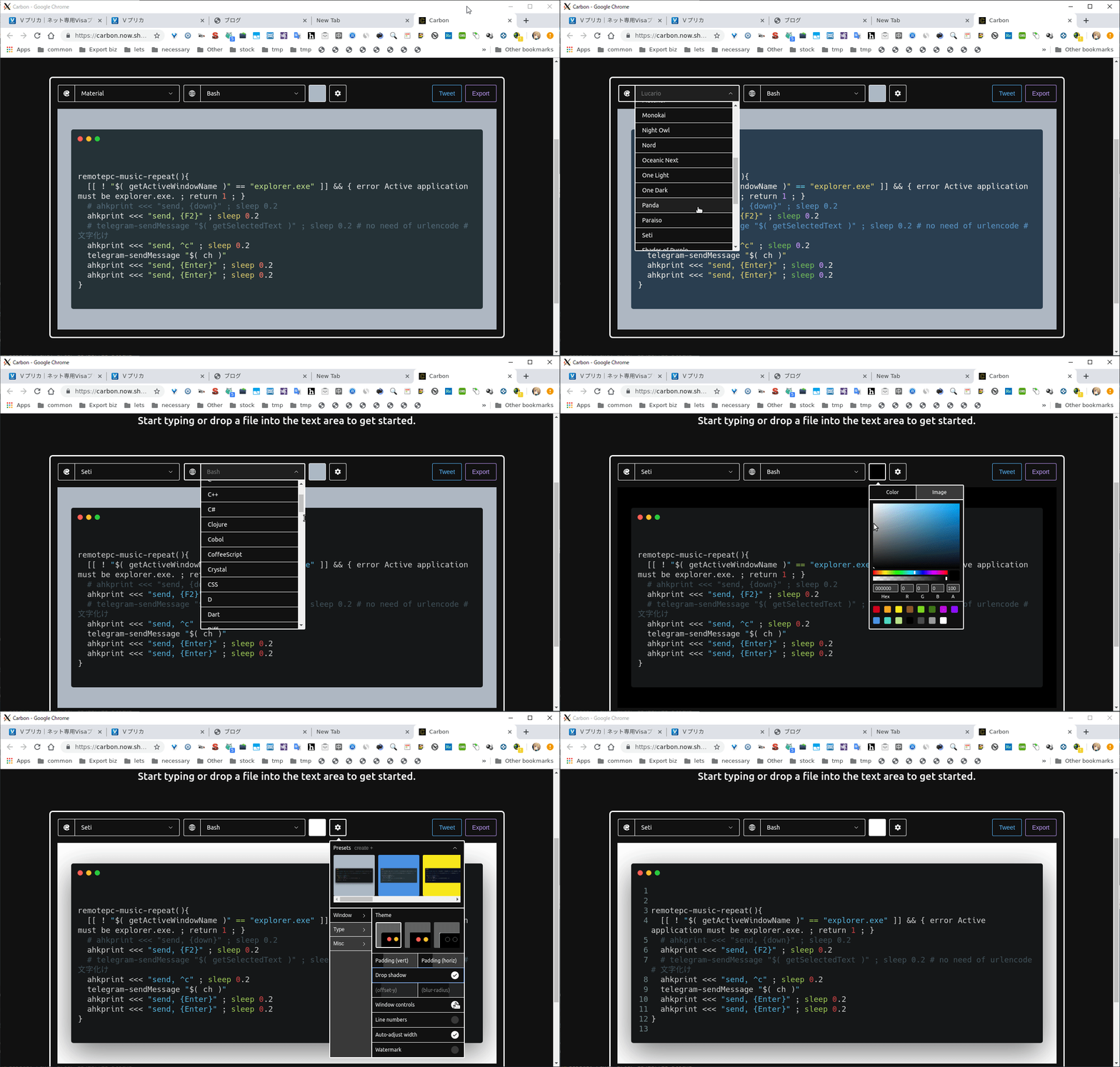
$ carbon-now -ho tmp02.sh
Die Option -o öffnet im Browser und ermöglicht grafische Bearbeitung.